





















Canine P4 blog · Timing
My progesterone test is not matching my vet. Why?
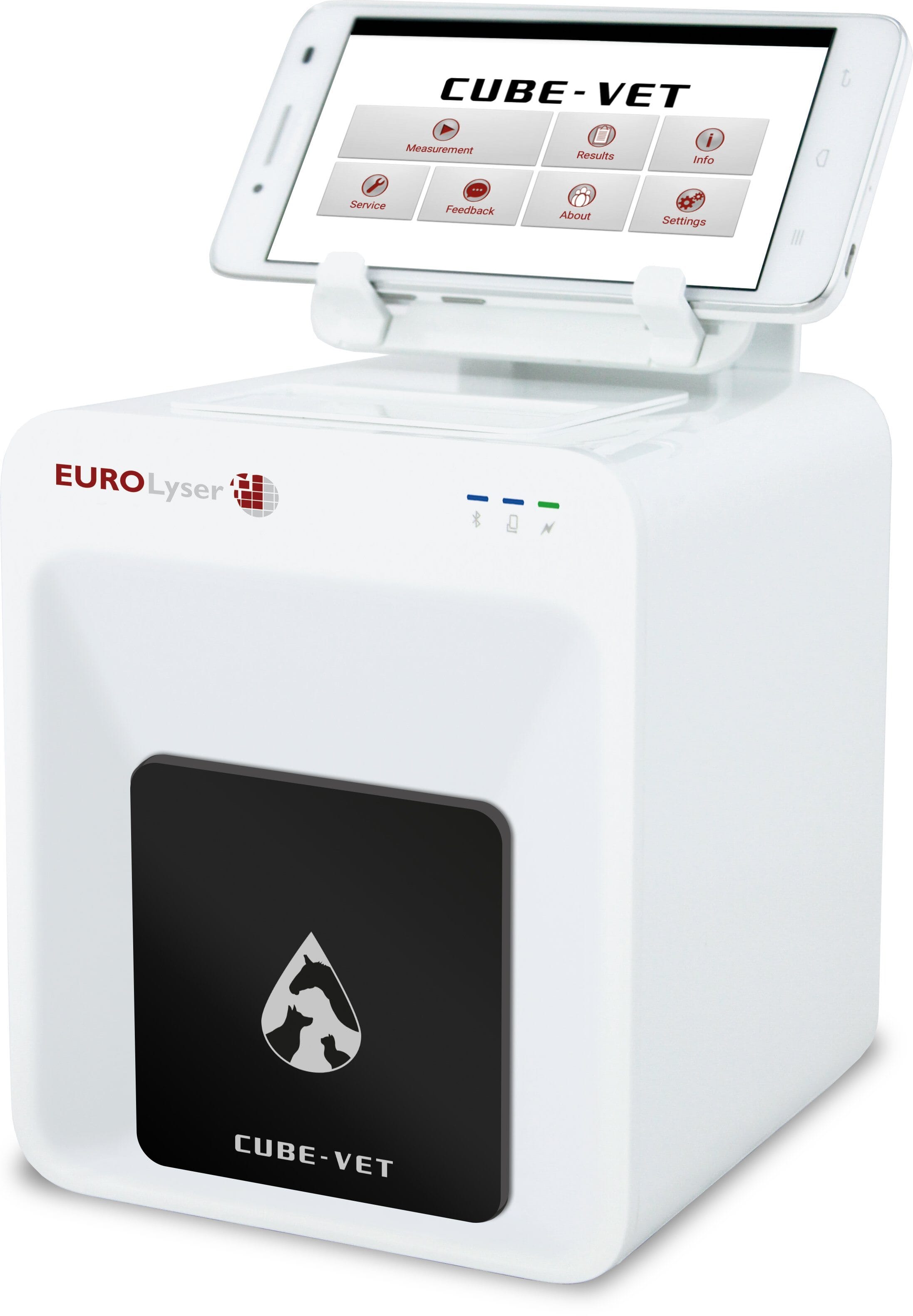
Your Anbio 100C is probably fine. It is not supposed to print the same number as the vet’s machine. Here is how to time the breeding from the Anbio chart.
CanineP4 · About 8 minutes · For breeders moving from a vet lab to an Anbio 100C

Stop matching
Don’t try to make your number the same as the vet’s number. They have different methods and calibrations and will not match unless they are the same system.
Open the Anbio chart
Estimated ovulation on the 100C is 5–9 ng/mL. The fertile window is 10–20.
Nail the sample
Most “bad” numbers are volume or handling, not the unit. Technique is the #1 source of problem testing. Keep your technique solid!
Side-by-side comparison
Same blood, different machines
Different machines use different scales, like inches and centimeters. Enter a number below to see how both analyzers line up on the exact same breeding stage.
Vet Lab Equivalent (Idexx)
5.0–10.0 ng/mL
Stage: Ovulation. Both machines agree she is in this stage, even though the numbers differ.
Anbio 100C Equivalent
4.5–6.5 ng/mL
Stage: Ovulation. Both machines agree she is in this stage, even though the numbers differ.
Why don’t my numbers match my vet’s?
For the full walk-through, play the CanineP4 video below. The short version: every instrument has its own method, reagents, and curve. A point-of-care reader and a reference lab are not printing the same scale.
Trying to make your new numbers “match” the veterinarian’s or the laboratory’s will leave you confused. Trust the reference sheet that came with your analyzer. The videos explain why the difference is expected — and why it still times a breeding correctly.
“The vet said 5, so I’ll wait until my Anbio 100C also says 5.” On this chart, 5 is only the start of estimated ovulation.
A 7 on the Anbio 100C is estimated ovulation (5–9). Time from that band, not from the vet’s 5.
The Anbio 100C chart
These are the ranges on the Anbio timing chart. They are guidelines for this analyzer, not a conversion from the vet’s printout.
Anbio 100C
Pick a band
Retest in 3 days at 1–4, every 2 days at 5–8, and daily once she is at 8 or higher.
Estimated ovulation · 5–9 ng/mL. A large rise usually means ovulation. Run it again the next day to confirm the date.
Anbio 100C and Idexx, stage by stage
ng/mL from CanineP4’s published comparison chart. Same stage, different number. This is not a conversion.
| Stage | Anbio 100C | Idexx |
|---|---|---|
| Baseline | Under 1.5 | Under 1.0 |
| Pre-LH surge | 1.5–2.0 | 1.0–1.9 |
| LH surge | 2.0–3.5 | 2.0–3.0 |
| Ovulation | 4.5–6.5 | 5.0–10.0 |
| Peak fertile window | 10.0–25.0+ | 10.0–20.0+ |
| Pre-whelp drop | Under 2.5–3.0 | Under 2.0–3.0 |
The bands above are the Anbio timing chart in the box. This table is the side-by-side comparison. Do not mix the two, and do not average a number from one column with the other.
How this chart was lined up
A method comparison fits one analyzer to another with a straight line:
Y = mX + B
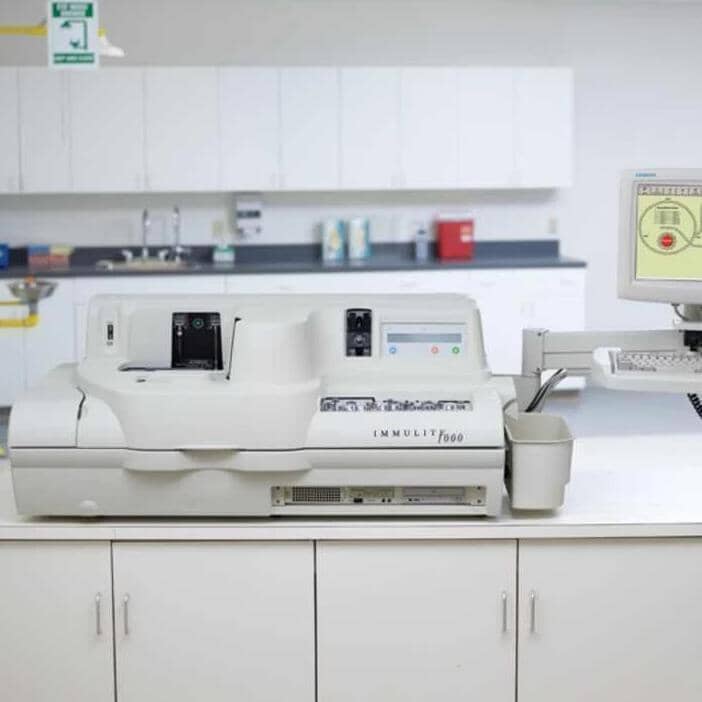
CanineP4 compared the Anbio 100C with a Siemens Immulite 1000 and found a very strong correlation (R² = 0.895), strong agreement (CCC = 0.90), and a low-level intercept of 1.55 ng/mL. That work is already in the chart. It is not a conversion you should do in your head.
A result is a range, not a single perfect digit
CanineP4’s comparison of the Anbio 100C with the Immulite reported a coefficient of variation of 6.27%. Around a reading of 5.0 ng/mL, one standard deviation looks like this:
Blue mark is about one standard deviation around 5.0
Two runs of the same Anbio 100C sample should land close together. A small dip the next day is not, by itself, a failed analyzer.
Before you call
Is the machine broken?
Tap the answer that matches what you did. Most people finish with this: the machine is fine. Only one answer tells you to call.
Question 1
Was this the same blood, or a new blood draw?
A new draw, even an hour later, is a new moment. The number can change because the dog changed.
Question 2
Is this the same machine you used last heat?
Last heat’s numbers belong to the machine that printed them.
Question 3
Did the number go down the next day?
A small change on a second run is normal. On the Anbio 100C that is about 6%.
Question 4
Who measured the sample?
If you got this far, the usual problem is how the blood was measured, not the machine.
Questions breeders actually ask
Should I keep running the same sample at the vet while I learn my home analyzer?
You can, but unless the vet is using the identical machine, the numbers will not match. Side-by-side comparisons usually slow the learning curve. If you do use a remote lab, ask for that day’s QC data so you know their run was in control.
Can I keep using the numbers I timed with on my old machine?
No. Two instruments will not line up. Timing from the old chart on a new machine leads to breeding too early or too late. Use the reference ranges made for the machine in your hand, plus what you already know about that dog.
Why doesn’t the Anbio 100C need a daily calibration?
The curve rides with the Anbio test cartridge. You are not mixing liquid reagents that drift and need a daily calibration the way a big lab analyzer does.
How should I store the Anbio 100C kits?
Follow the storage printed on the kit you bought. The timing chart was built for kits kept that way, not for a bargain cartridge from somewhere else.
I tested again the next day and the number went down. Is the machine broken?
Not automatically. Every result sits inside a normal spread. A later sample can read a little lower and still be a valid run. Look at the trend against your machine’s chart, not at one decimal place.
What kind of variation should I expect?
CanineP4’s comparison of the Anbio 100C with a Siemens Immulite 1000 reported a 6.27% coefficient of variation. Around a reading of 5.0 ng/mL, one standard deviation is about 4.7 to 5.3. A small move on a rerun is not a broken analyzer.
Five tips that keep the timing honest
CanineP4’s bonus list, tightened so you can run it before the next heat — not after a missed litter.
- 01
Start early
Order the analyzer and kits two to three weeks before you need them. Do a dry run so the first real cycle is not your first time touching the pipette. Call 844-673-7378 if you are unsure which unit fits your kennel.
- 02
Follow the details
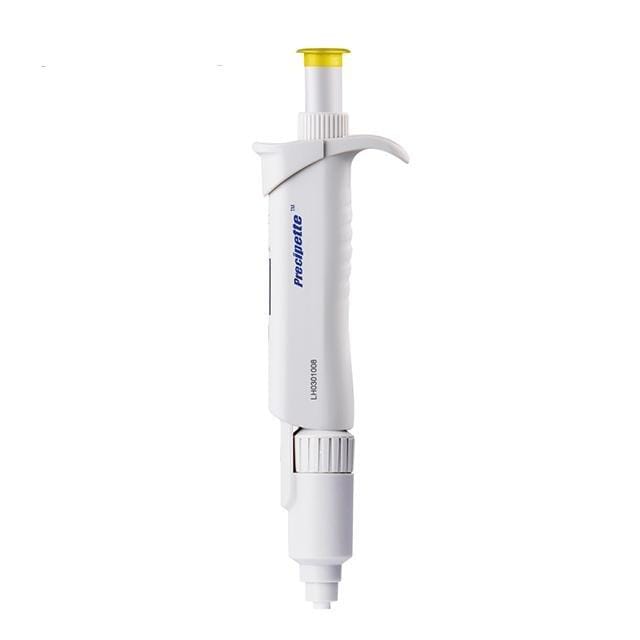
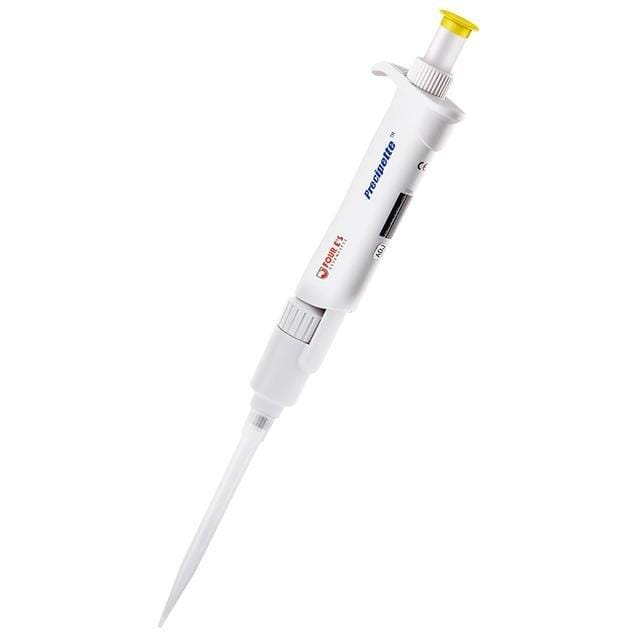
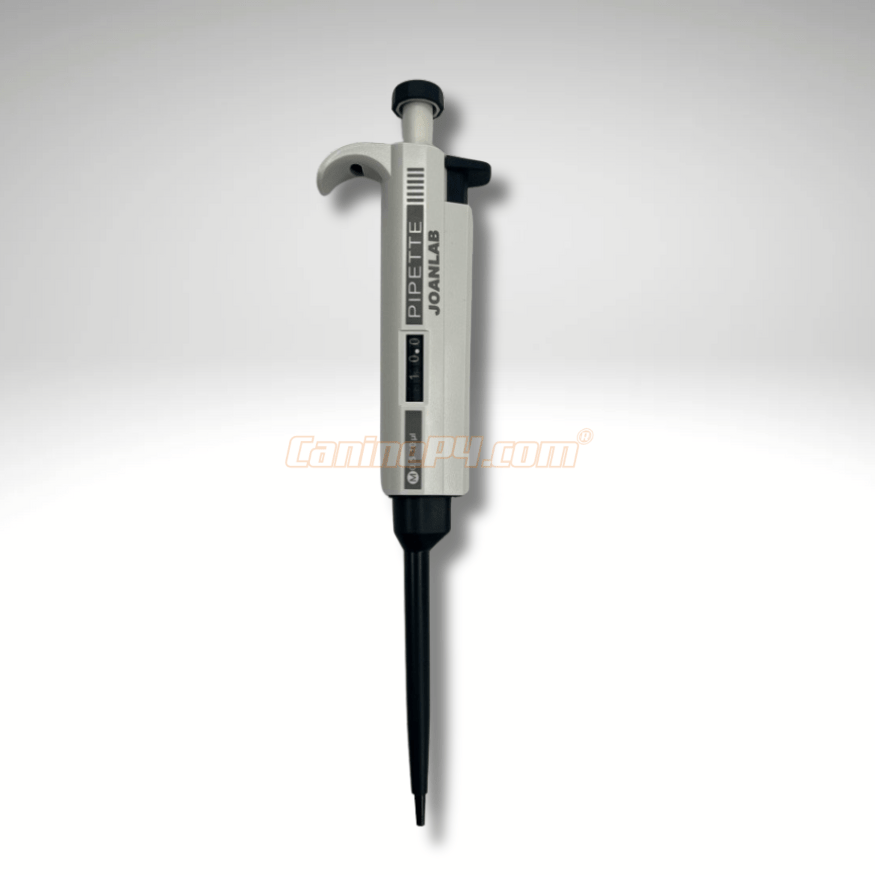
Accuracy lives in the steps. The Anbio 100C uses 50 µL of serum and returns a result in about 10 minutes. The most common miss is a small volume error. Watch the pipetting lesson before you trust a number.
- 03
Read the Anbio 100C chart, not the vet’s number
The Anbio timing chart is the ruler for this unit: estimated ovulation is 5–9 ng/mL, and the fertile window is 10–20. A vet’s ng/mL is a different machine. Do not convert it in your head.
- 04
Mark the surge, then the date
On the Anbio chart, estimated ovulation is 5–9 ng/mL. Confirm that date with the next day’s test, then breed inside the window — natural or AI is 1–3 days after a confirmed ovulation. Write it down every cycle.
- 05
Use verified kits only
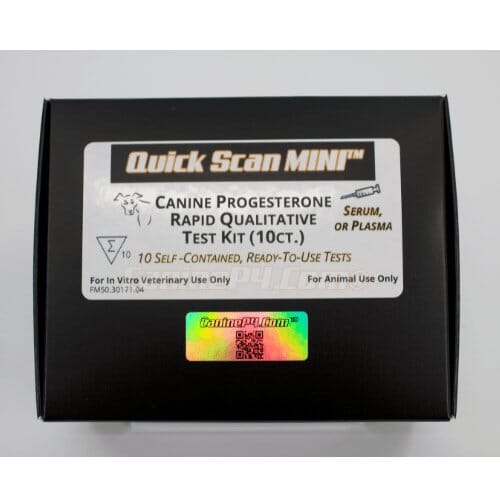
Timing charts only hold if the reagents match the machine they were built for. CanineP4 checks kits lot to lot. A bargain cartridge from somewhere else can look like a bad analyzer when the chemistry is the problem.

The number-one handling error
Pipette like the volume matters — because it does
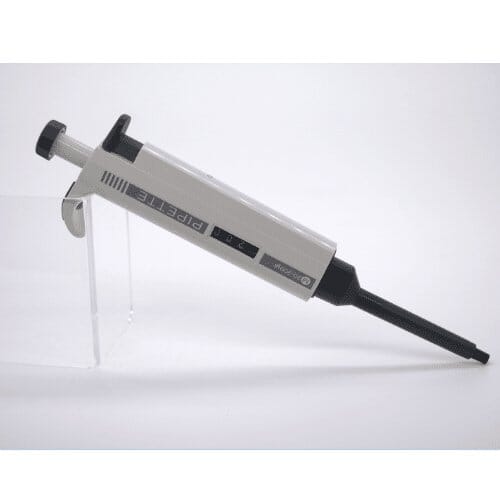
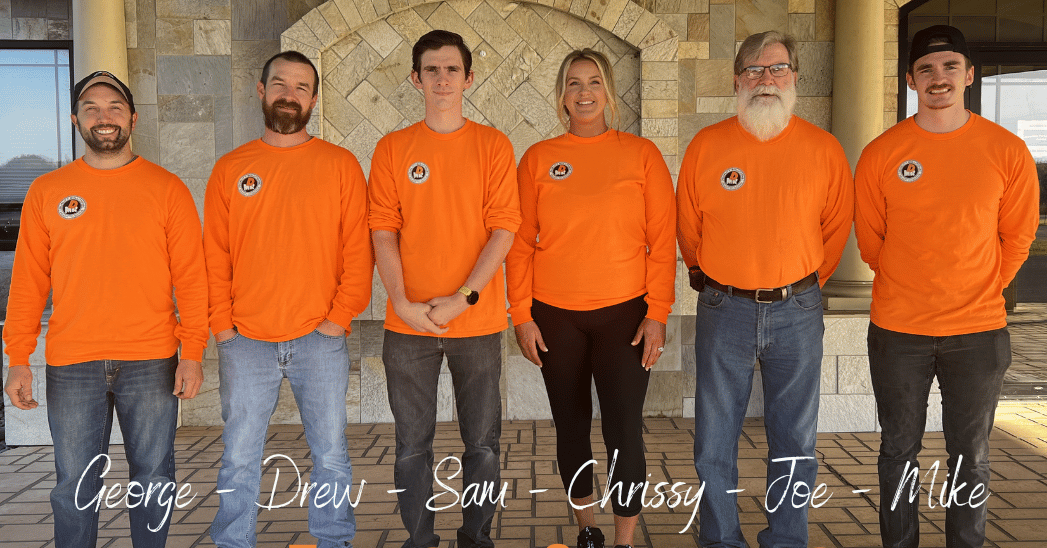
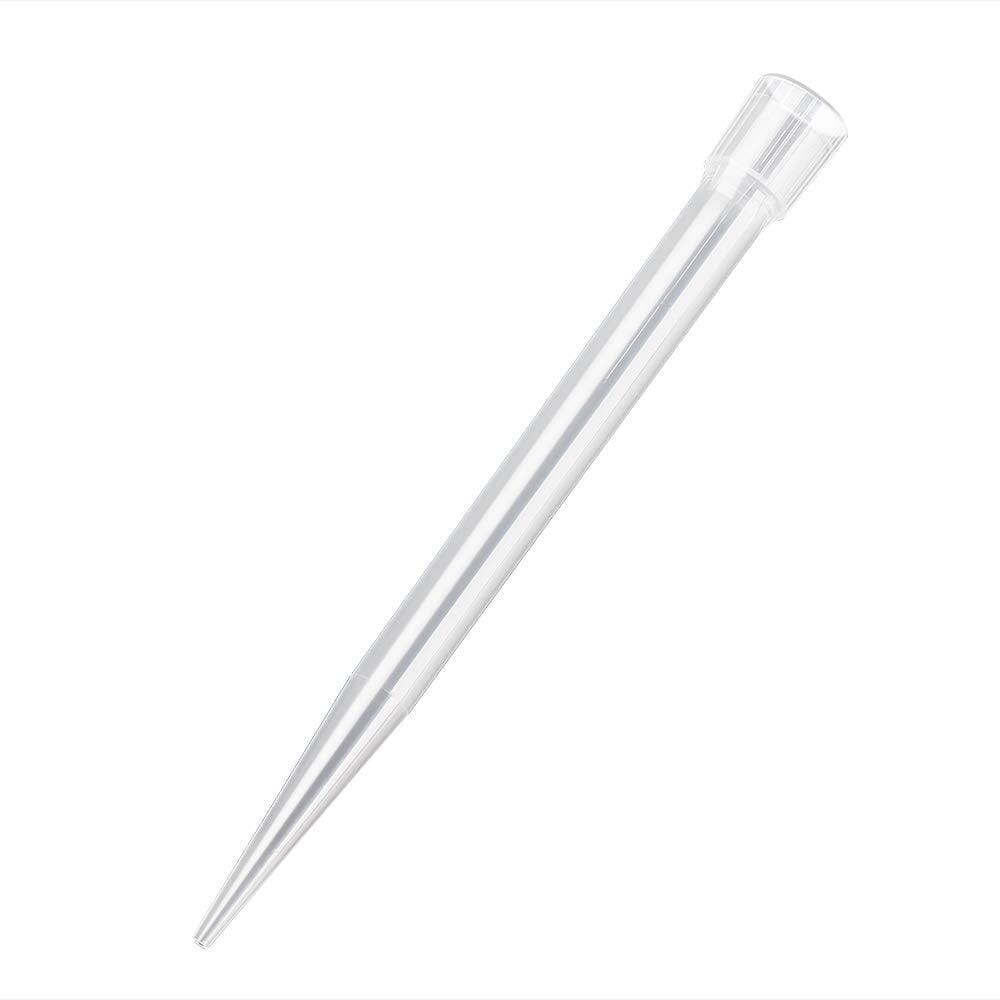
A short sample, a second stop on the plunger, or serum left on the tip wall will move the result more than most people expect. Play Sam’s lessons below: slow aspirate, correct stop, wipe the outside of the tip, dispense fully.
- Measure 50 µL of serum for the Anbio 100C
- Hold the pipette upright
- Don’t rush the plunger
- Use the Anbio kit that matches the analyzer
The chart, the kit, and a person who will pick up
Analyzers from CanineP4 ship with timing guidance built from comparison work, not a guess. Kits are checked lot to lot. If a result still doesn’t make sense, call before you change the breeding plan.
Email support@K9P4Go.com
The above training ranges are examples. Always follow the chart and instructions included with your analyzer and kits.


